Free Russian AI Voice Generator, Convert Your Text to Voice

AI Voice Generator: Effortlessly transform text into lifelike speech! No login required, completely free. Whether you need a virtual assistant, video narration, or want to engage naturally with your audience, our AI voice technology meets all your needs. Convert Russian text to vivid speech and save as MP3 in seconds. Let AI Voice Generator breathe life into your projects!

0 / 3000
Login for more

Russian text to speech online

Everything You Need for Russian Text to Speech

Russian text to speech turns written Russian into generated audio you can preview and download. Paste your script into the tool above, select Russian (Russia) and a voice, then create an MP3 in a few steps.

Voice studio

Choose a Russian voice for your project

Russian (Russia) includes Svetlana and Dmitry. Read a short line from your script with each voice and compare how they handle names, stress, and longer words.

  • Russian female and male voices
  • Preview before generating
  • MP3 download

Text to finished audio

Turn written Russian into spoken audio

Russian stress is not marked in ordinary writing, and the same word can change meaning when the stress moves. A short test with the uncommon words in your script is the fastest way to confirm the voice reads them the way you intend.

More than text to speech

Russian text to speech tools

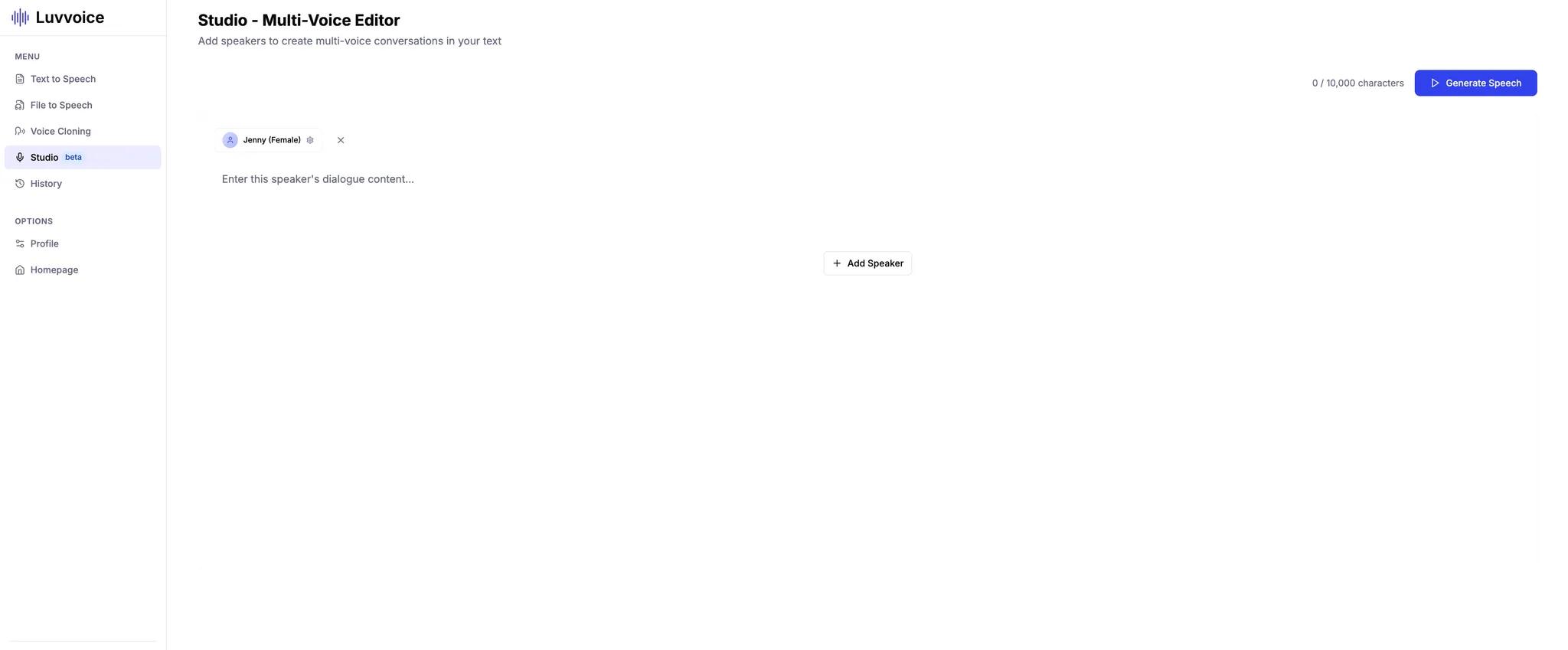
Move from a short voice test to complete documents, multi-speaker projects, audiobooks, and custom voices.

Simple workflow

How Russian text to speech works

Four clear steps take a script from the editor to a voice you can preview and download.

  1. 01

    Paste the Russian script

    Enter the text you want converted into spoken Russian.

  2. 02

    Choose a voice

    Select Russian (Russia) and preview Svetlana or Dmitry.

  3. 03

    Generate Russian audio

    Submit the script and let Luvvoice create the spoken version.

  4. 04

    Listen and download

    Check stress, case endings, and names, revise if needed, and save the MP3.

Everyday projects

Russian text to speech use cases

Russian video voiceovers

Prepare narration for explainers, presentations, and short-form videos.

Product and training material

Turn written instructions, onboarding copy, and training scripts into draft audio.

Russian study and pronunciation

Create listening material from vocabulary lists, reading passages, and revision notes.

Accessible articles and guides

Provide Russian written content in an alternative audio format for easier listening.

Quick answers

Frequently asked questions

How does Russian text to speech work?

Paste Russian text, choose Russian (Russia), select a voice, and generate the speech for playback or MP3 download.

Which Russian voices can I compare?

Luvvoice offers Russian (Russia) voices including Svetlana and Dmitry, with additional options shown in the selector.

Can I download Russian speech as an MP3?

Yes. Once the audio is generated, listen in the browser and download the completed Russian speech as an MP3 file.

How should I check Russian stress and case endings?

Use a short sample that contains the words most likely to be misread, including names, abbreviations, and words whose meaning changes with stress. Adjust the wording before generating the full script.

Do I need special software for Russian text to speech?

No. Luvvoice runs in the browser, so you can paste or upload Russian text and generate speech without installing recording or editing software.

Which file formats can I use with Russian text to speech?

Luvvoice File to Speech supports TXT, PDF, DOC, DOCX, ODT, XLSX, XLS, and ODS files. Upload a supported document or spreadsheet and choose a Russian voice.

Can I use free Russian text to speech online?

Yes. You can try Russian text to speech online with the free usage currently shown for your account, without installing recording software.

What can I use Russian text to speech for?

Use it for YouTube narration, TikTok videos, blogs, podcasts, training material, product instructions, educational lessons, accessibility, and proofreading by listening.

How do I change the speed and pitch of Russian text to speech?

Choose a Russian voice, select the settings button beside the voice selector, and adjust Rate, Pitch, and Volume before generating the audio.