LuvVoice is now live on Google Play: AI text to speech for Android
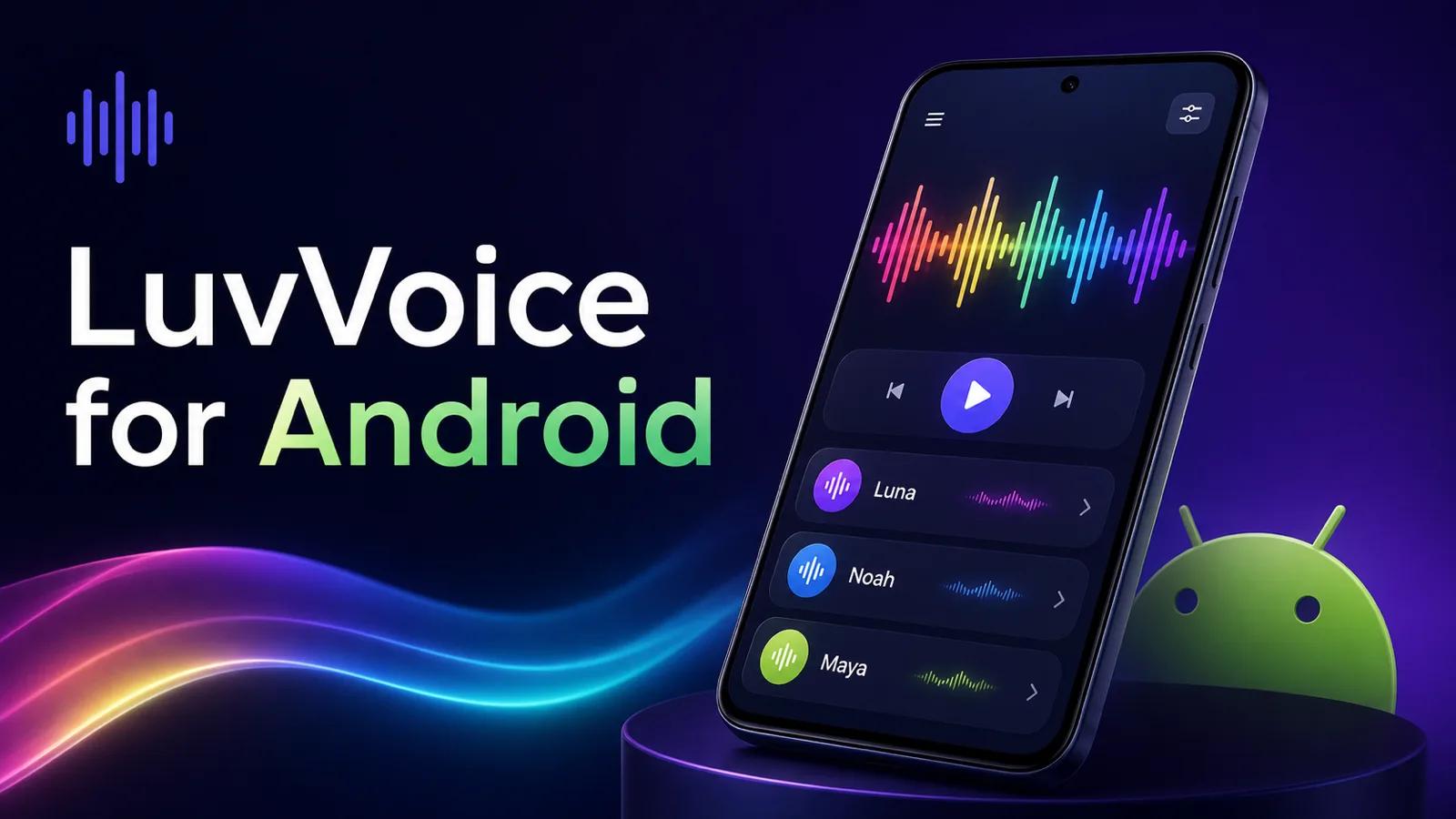
LuvVoice is available on Google Play.
The Android app brings the core LuvVoice workflow to your phone: add text, choose a natural AI voice, generate speech, listen in the background, and save or share the finished audio. Voice cloning and ebook-to-audiobook conversion are included too, so shorter voiceovers and longer listening projects can live in the same app.
For creators, students, educators, and anyone who keeps most of their reading on an Android device, this removes some friction. You do not need to send a script to your computer just to hear it, or leave a PDF unread because it is inconvenient on a small screen.
You can download LuvVoice on Google Play and start with the text or document already on your phone.
Built around the way Android users find content
Text rarely begins in a dedicated audio project. It arrives in a message, sits in a notes app, comes attached as a document, or gets saved from the web for later. On a phone, moving that material through several apps can take longer than the actual voice generation.
LuvVoice keeps the path short. You can type or paste text into the app, import a supported file, or share compatible text and documents to LuvVoice from another Android app. Once the content is there, the next steps stay familiar: choose a voice, adjust the delivery, generate, and listen.
That mobile flow is useful for small moments. A creator can test a rewritten intro before publishing a video. A student can turn tomorrow's reading into audio before leaving the library. The app is designed for those practical jobs, not for squeezing a desktop studio onto a phone screen.
If you prefer working in a browser, the original LuvVoice text-to-speech tool is still there. The Android app gives the same kind of work a more natural home when the source material and the next step are both on your phone.
Bring in a note, document, ebook, or web article
Pasting a paragraph is the fastest way to begin, but it is not the only one. LuvVoice for Android can extract readable text from common formats including PDF, EPUB, DOCX, RTF, TXT, and Markdown. It also supports sharing text or compatible documents into the app, which is often the quickest route when you find something in Files, a browser, or another reading app.
This matters more with longer material. Copying a full article one section at a time is tedious, and complex document layouts can make manual selection unreliable. Importing the file lets the app handle the text as one listening project. For web articles, reader-style extraction focuses on the main written content rather than pulling in every navigation label around it.
There is also an on-device scan option for printed material. It can move a page into the voice workflow without retyping every line, though names and unusual formatting are worth checking before generation.
For a deeper look at document listening, our PDF-to-speech guide explains how to prepare files and choose a voice that remains comfortable across longer passages.
Choose a voice without losing your place
A large voice catalog helps only when it is easy to navigate. LuvVoice includes 200+ AI voices across languages, accents, and speaking styles, with search and previews built into the selection flow.
The preview step is important on mobile. A voice that works for a calm reading may feel too restrained for a product demo. A lively social voice can become tiring across a long chapter. Hearing a short sample before generating the full text makes those differences obvious, and it is faster than creating several complete versions just to compare tone.
Once you have a voice, you can adjust speed and other available delivery options before generating. The result appears in your library, where it can be played again without rebuilding the project. Your LuvVoice account keeps supported history, voices, audiobook tasks, and usage information connected to the same service, so moving between the web and mobile does not mean starting over.
Private voices and audiobooks are part of the Android app
The Android release includes two workflows that go beyond a quick text-to-speech clip.
With LuvVoice voice cloning, you can record a sample with the phone's microphone or choose an audio file, confirm that you have permission to use the voice, and create a private voice for future projects. A cloned voice can help a creator keep narration consistent across episodes, or let a team reuse an approved voice without arranging a new recording session each time.
Consent still matters. Only clone a voice you own or have clear permission to use. The confirmation step is part of the creation flow because convenience should not blur that boundary.
For longer files, the ebook-to-audiobook workflow is organized as a task rather than one oversized text box. Import a supported book, review its chapters, choose a voice, and return to the conversion from your library. Completed audiobooks can be played chapter by chapter and exported in available formats.
These workflows solve different problems. Voice cloning is about a repeatable identity. Audiobook conversion is about structure, progress, and comfortable listening over time. Keeping both alongside everyday generation gives the app room for quick clips and projects that take more than one session.
Listening behaves like listening on Android
Generating audio is only useful if playback fits into the rest of your day. LuvVoice uses Android media playback features so a take or audiobook can continue when you leave the app. Lock-screen controls let you pause or resume without returning to the exact screen where generation started.
The app also remembers playback progress for generated takes and audiobook chapters. That is easy to overlook until you listen to something longer than a few minutes. Returning to the right place turns a document into something you can hear across a commute, a walk, or several study sessions.
Recent audio can be cached for offline playback, and a Continue Listening widget provides a quicker route back to the last item. When a generation or audiobook conversion finishes while the app is in the background, a local notification can take you back to the result.
Those details make generated speech feel less like a temporary preview and more like audio you can actually use.
Save the audio or send it to the next app
Some audio is meant for listening. Some of it is only one part of a larger project.
LuvVoice lets you save generated speech to your device or share it through Android's standard share flow. A creator can send a voiceover to a video editor. A marketer can pass a draft read to a teammate. A student can keep an audio version of notes for a flight or a weak-connection commute.
Audiobook projects also support export options when the conversion provides them. Your library keeps recent generations and book tasks together, so you can replay, rename, remove, download, or share work without hunting through several folders first.
The generate button is not always the finish line. The real endpoint might be a video timeline, a shared review, or a pair of headphones later that evening.
Who the LuvVoice Android app is for
The app is built for people who want natural voice output without setting up a microphone, recording room, or desktop editing session.
Video creators can draft narration for tutorials, ads, and social videos. Educators can turn lesson material into audio. Students can listen to notes and assigned reading when looking at another screen is inconvenient. Writers can hear a draft and catch sentences that feel awkward aloud. Accessibility-minded users can shift suitable reading tasks from a visual format to listening.
It also works for less formal use. You might want to hear a long article while cooking, compare two voices for a personal project, or save a spoken version of a note before traveling. These jobs do not need a complex production setup. They need a short path from written content to usable audio.
The best test is a real one. Pick something you already meant to read or record, rather than typing a generic sample sentence. That will show you much faster whether the app fits your routine.
Start with the Google Play release
The first public Android release brings together AI text to speech, voice search and preview, document import, voice cloning, audiobook conversion, background playback, offline listening, downloads, sharing, and account-based history in one mobile app.
Try it with three pieces of content: a short script, a document from your phone, and something long enough to resume later. Preview a few voices, generate one useful result, then save or share it the way you normally would. You will learn more from that ten-minute test than from reading another feature list.
We built LuvVoice for Android for the moments when the text is already with you. Now the voice can be too.
Download LuvVoice on Google Play and create your first AI voiceover on Android.