Multi-speaker text to speech
Turn a script into a conversation with different AI voices
Luvvoice Studio is a multi-speaker text to speech editor. Write a dialogue line by line, give each speaker one of 200+ voices in 70+ languages, and generate the whole conversation as one audio file you can play or download as an MP3. It runs in the browser and works with a free account.




- Speakers
- Add as many speaker blocks as your script needs
- Voices
- 200+ in 70+ languages, mix freely
- Per generation
- 2,000 chars free, 10,000 paid
- Output
- One audio file, MP3 download
How to make a multi-voice dialogue
- 01
Open Studio
Sign in and open Studio from the dashboard. It is the multi-voice editor in Luvvoice.
- 02
Add speakers
Insert a speaker block, pick a voice for it, then type that speaker's line underneath.
- 03
Build the conversation
Keep adding speaker and text blocks in order. You can switch voices, languages and accents between lines.
- 04
Generate and download
Generate the dialogue, listen to it in the browser, and download the result as an MP3.
What to know about Studio
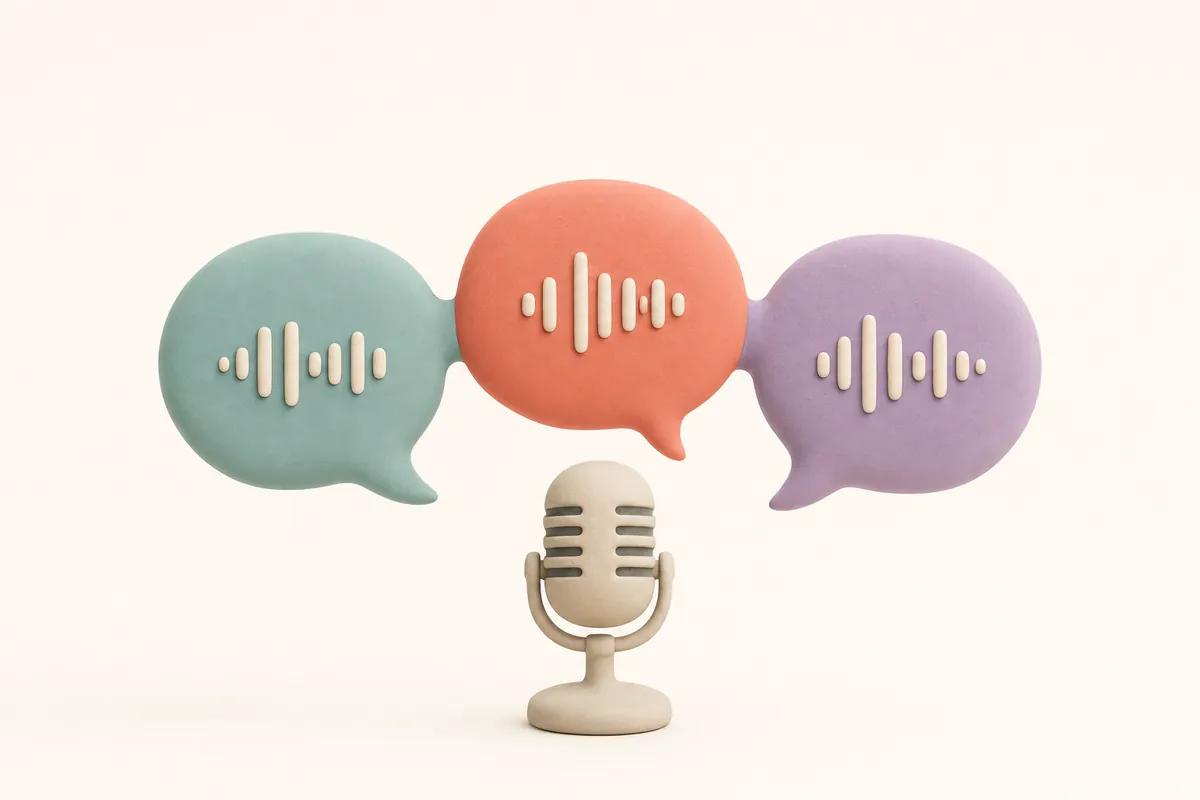
Each line can use a different voice
Speaker blocks are independent, so a narrator, a host and a guest can each have their own voice, and you can mix languages in the same project.
Length per generation
A single Studio generation can be up to 2,000 characters on a free account and up to 10,000 characters on a paid plan or credit pack. Split longer scripts into scenes.
Characters come from your balance
Studio uses the same character allowance as the rest of Luvvoice: 10,000 per month free, 700,000 on Lite ($8/month or $57/year), 1,500,000 on Plus.
Custom and cloned voices work too
Besides the standard voices, Studio lists the 800+ custom voices and any voice you have cloned in Luvvoice, so one speaker can use your own voice.
What people make with multi-speaker TTS
Podcast and interview drafts
Hear how a two-host episode or an interview script flows before anyone records it.
Language learning dialogues
Create listening exercises with a different voice for each person in the conversation.
Explainer and training videos
Use a narrator plus customer and agent voices to act out a support call or a product demo.
Stories and audio drama
Voice each character in a short story, a bedtime story or a game scene.
Frequently asked questions
Can I use multiple voices in one text to speech file?
Yes. In Luvvoice Studio you add speaker blocks, choose a voice for each one, and generate the whole conversation as a single audio file.
Is multi-speaker text to speech free?
Studio works with a free account. The free plan includes 10,000 characters per month, and each Studio generation can be up to 2,000 characters.
How many speakers can I add?
There is no fixed number of speakers. Add a speaker block for each line; the limit that matters is the length of each generation.
Can different speakers use different languages?
Yes. Each speaker block has its own voice, so you can mix languages and accents in the same dialogue.
Can I download the dialogue as an MP3?
Yes. After generation you can play the conversation in the browser and download it as an MP3.
Can I use my own cloned voice in a dialogue?
Yes. Voices you have cloned in Luvvoice appear in Studio next to the standard and custom voices, so you can assign your own voice to one of the speakers.