Midjourney + AI Voice: A Simple Workflow for Explainer Videos
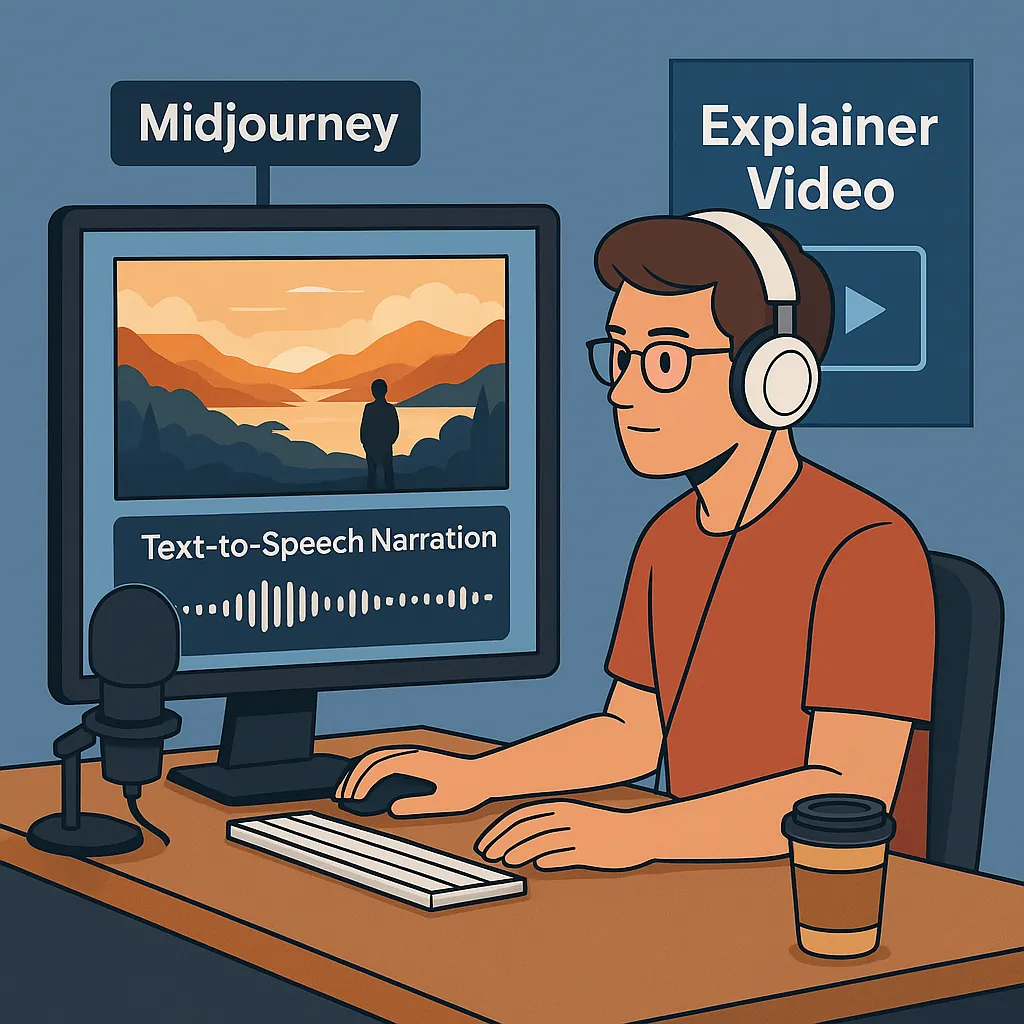
In today's content landscape, high-quality explainer videos are no longer exclusive to large production studios. Thanks to AI tools like Midjourney for image generation and advanced text-to-speech (TTS) platforms, even a one-person creator or a small team can produce professional-grade visual content quickly and affordably.
This article breaks down how to combine Midjourney visuals with AI voice narration to build stunning explainer videos—perfect for YouTube channels, TikTok education content, product demos, and more.
Why Explainer Videos Matter More Than Ever
Explainer videos are one of the most effective media formats for capturing attention and communicating complex ideas. Viewers expect:
- Clear and engaging narration
- Attractive visuals
- Smooth pacing and storytelling
- Professional sound quality
For solo creators, meeting these expectations used to be nearly impossible without expensive gear, studio rentals, or hiring specialists. With AI tools, this is no longer a barrier.
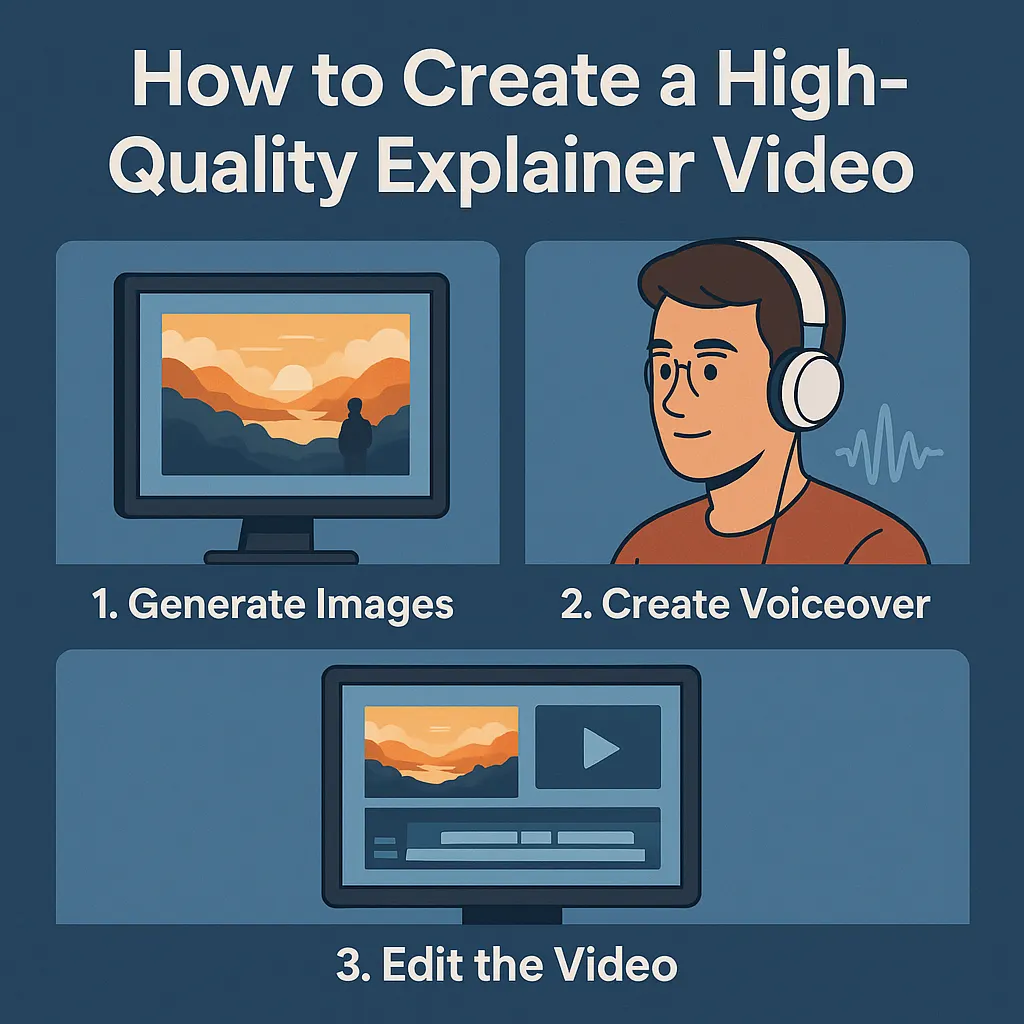
Step 1: Use Midjourney to Generate High-Quality Visual Assets
Midjourney has become one of the most powerful tools for generating artistic, cinematic, and polished images suitable for explainer videos.
Benefits of Using Midjourney
- Create custom visuals that match your script
- Consistent style across scenes or episodes
- Faster than shooting or illustrating manually
- Significantly cheaper than hiring artists
Tips for Better Midjourney Outputs
- Use consistent prompt structures for cohesive style
- Specify camera angles, lighting, and mood
- Use aspect ratios suited for video (e.g., 16:9 for YouTube)
- Add keywords like "explainer style", "clean composition", "storyboard frame"
Once generated, these images can be sequenced to form the visual backbone of your video.
Step 2: Turn Your Script Into Studio-Quality Voice Narration
High-quality narration is crucial—it builds trust, improves storytelling, and increases viewer retention. This is where AI text-to-speech platforms stand out.
Why Use AI Voice for Text-to-Speech?
- Natural, human-like voices
- Multiple languages and accents
- Emotion controls for tone, pace, and emphasis
- Suitable for tutorials, storytelling, marketing, and AI-generated character voices
Creators can simply paste their script into a TTS platform, select a preferred voice, and generate a clean audio track that is ready for editing.
Step 3: Combine Visuals and Audio Into a Polished Video
After generating your Midjourney images and AI voice narration, assemble them using your favorite editing software:
- CapCut - Free, user-friendly video editor
- Adobe Premiere Pro - Professional editing suite
- DaVinci Resolve - Advanced free editing software
- Final Cut Pro - Mac-exclusive professional editor
Video Editing Tips for Better Engagement
- Keep each visual shot on screen for 2–4 seconds
- Match scene transitions to narration beats
- Add subtitles for accessibility and SEO
- Include light music to enhance mood
- Use zoom-in and pan effects to add movement to static images
Even basic editing is enough to create smooth, professional videos with AI-assisted assets.
Why This Workflow Works for Small Teams and Solo Creators
Let's face it—traditional video production can be time-consuming, expensive, and overwhelming. But this AI-powered video workflow changes everything:
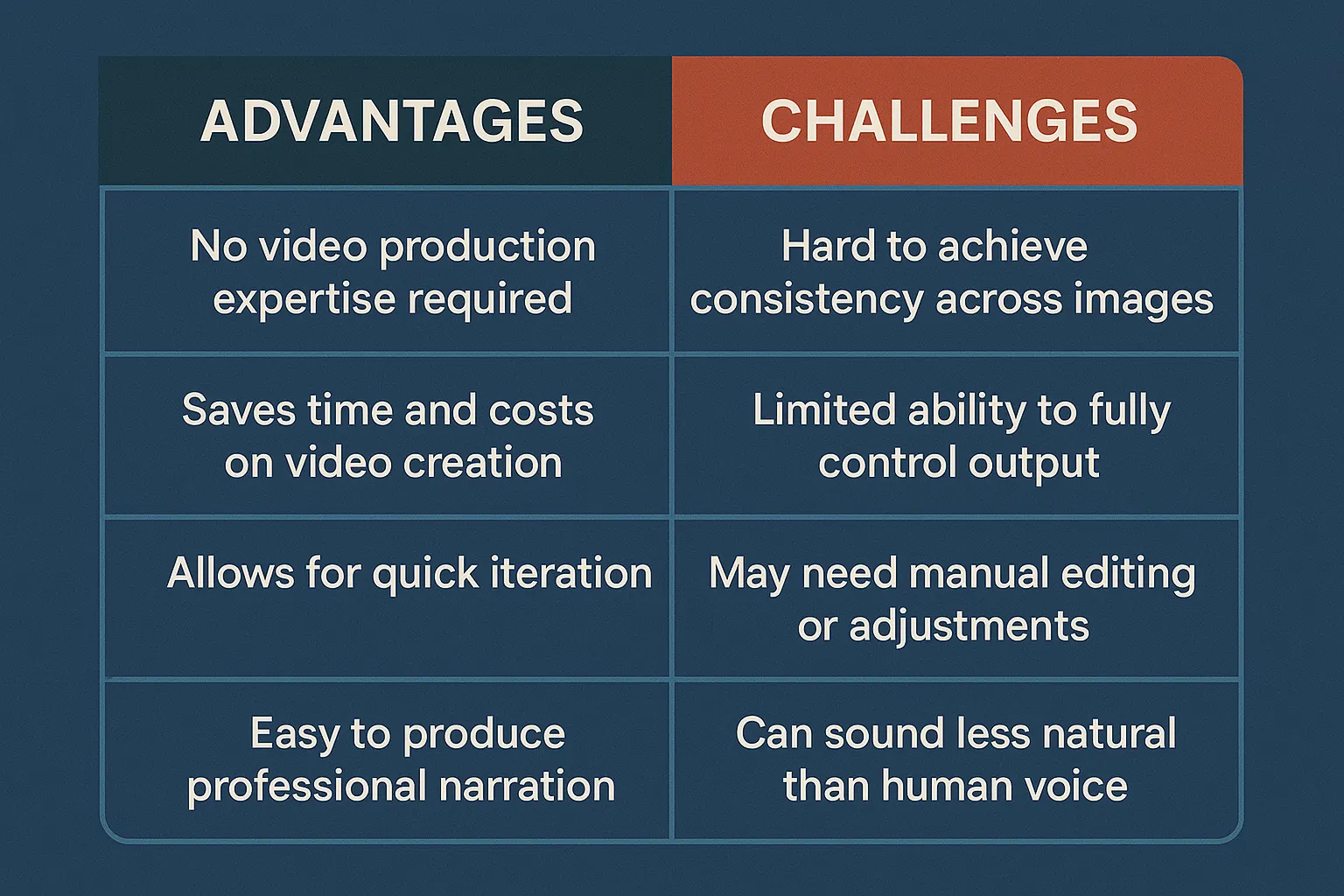
- Speed: Go from script to video in a single day
- Affordability: No need to hire voice actors or designers
- Scalability: Reuse tools and templates across multiple videos
- Control: You own the process, the voice, and the visuals
Whether you're building a YouTube education channel, a TikTok storytelling series, or a product demo library, this approach lets you stay agile without sacrificing quality.
With the right AI tools, creativity—not budget—is the only limit.
Conclusion: Anyone Can Create Studio-Quality Explainer Videos Today
By combining Midjourney's image generation with natural-sounding AI narration, even a single creator can produce visually compelling, professional explainer videos at scale.
The workflow is simple, cost-effective, and highly customizable. Whether you're building a personal brand or scaling content production for a business, this approach opens the door to high-quality video creation without traditional barriers.
👉 Try AI voice generation today to elevate your video production with premium, human-like narration.