Runway Handles the Visuals, Text-to-Speech Handles the Voice: How to Build a Fully AI Video Production Pipeline
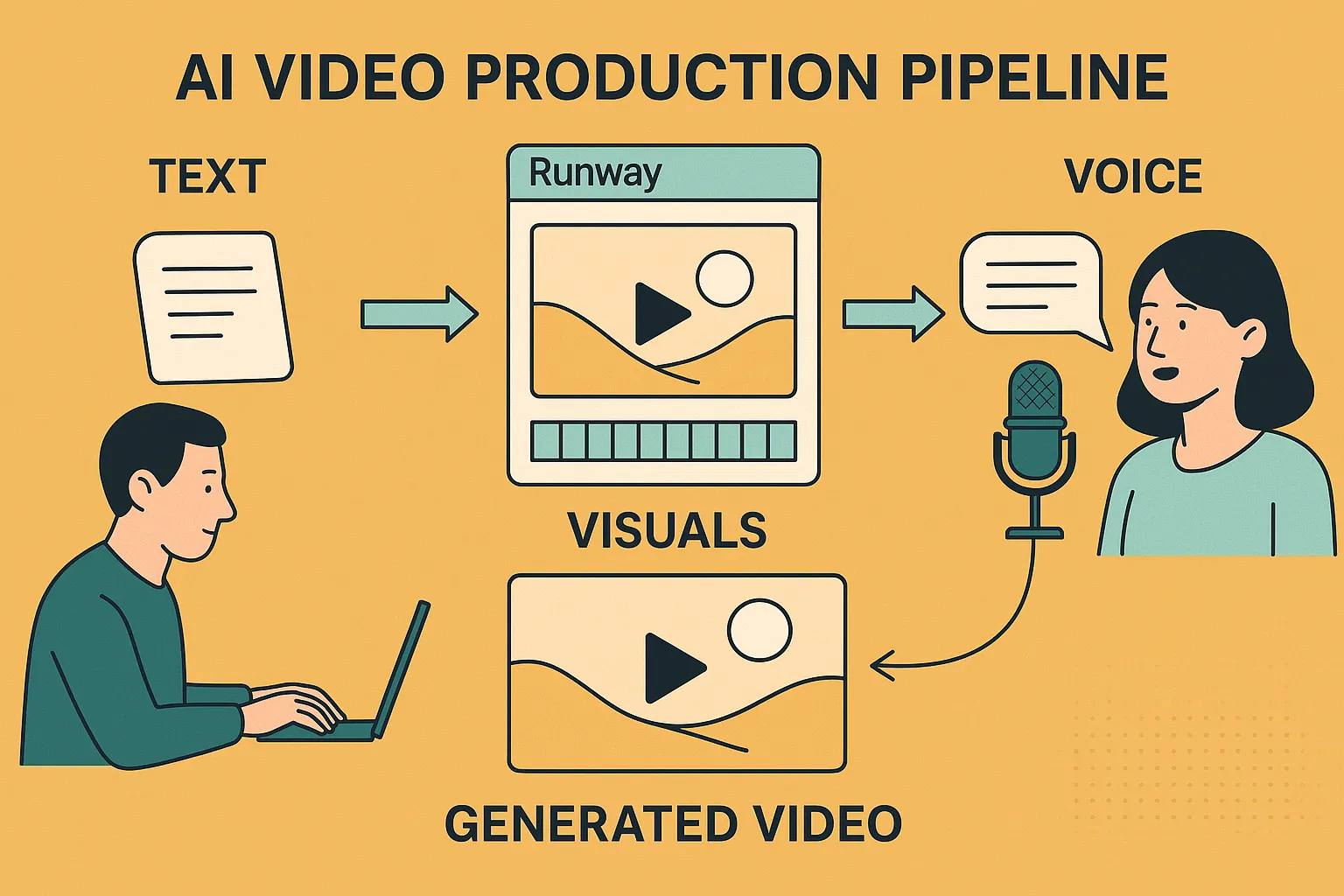
A fully AI video production pipeline combines Runway Gen-4.5 for cinematic visuals with AI text-to-speech (TTS) for natural voiceovers. The workflow is simple: write a script → generate video with Runway → convert text to voice using Luvvoice → merge audio and video → publish. This approach cuts costs, saves time, and enables scalable, professional video creation without cameras, studios, or actors.
Introduction: The Rise of End-to-End AI Video Creation
Video is the most powerful content format online—but it has also been one of the most expensive and time-consuming to produce. Traditional workflows require cameras, lighting, actors, microphones, editors, and repeated revisions.
Today, AI has changed that equation.
With the emergence of advanced AI video generation models and human-sounding text-to-speech, creators can now build a fully automated video production pipeline. In this pipeline:
- Runway Gen-4.5 is responsible for visuals
- Text-to-speech (via Luvvoice) is responsible for sound
This article explains exactly how that pipeline works, why it matters, and how you can implement it step by step—optimized for creators, marketers, educators, and businesses.
What Is a Fully AI Video Production Pipeline?
A fully AI video production pipeline is a workflow where artificial intelligence tools generate scripts, visuals, and voiceovers, replacing traditional filming and recording processes.
Core Components of an AI Video Pipeline
- Script creation (manual or AI-assisted)
- AI video generation (Runway Gen-4.5)
- AI voiceover generation (text-to-speech with Luvvoice)
- Editing and export
Each component can be automated, allowing teams—or even individuals—to produce high-quality videos at scale.
Why Split Visuals and Voice Between Two AI Tools?
Many beginners ask: Why not use one AI tool for everything?
The answer is specialization.
Visual AI and Audio AI Solve Different Problems
- Video generation focuses on motion, lighting, framing, realism, and scene continuity
- Text-to-speech focuses on pronunciation, emotion, pacing, tone, and naturalness
Runway Gen-4.5 excels at cinematic visuals, while Luvvoice excels at human-like voice synthesis. Combining best-in-class tools produces far better results than relying on a single "all-in-one" solution.
Step 1: Create a High-Quality Script (The Foundation)
The first step in AI video creation is writing a clear, structured script. A good script improves video quality, viewer retention, and SEO performance.
Best Practices for AI Video Scripts
- Use short paragraphs and clear sentences
- Write in spoken language, not academic prose
- Include pauses and transitions
- Keep sentences under 20 words when possible
You can write scripts manually or generate them using AI writing tools. Regardless of how it's created, the script will power both the visual prompts and the voiceover.
Step 2: Generate Cinematic Visuals with Runway Gen-4.5
What Is Runway Gen-4.5?
Runway Gen-4.5 is a state-of-the-art AI video generation model designed for professional-quality visual storytelling. It allows users to create videos from text prompts or reference images, producing realistic motion and coherent scenes.
Key Features of Runway Gen-4.5
- Text-to-video generation with improved temporal consistency
- High-fidelity lighting and composition
- More stable characters and environments
- Suitable for ads, explainers, short films, and social media
What Runway Does Best—and What It Doesn't
Runway is optimized for visual output. It intentionally avoids deep audio features, which means:
- No natural voice narration
- Limited control over expressive speech
This design choice makes Runway the perfect visual engine, but not a complete solution on its own.
Step 3: Add Natural Voice with AI Text-to-Speech
AI text-to-speech converts written scripts into natural-sounding voiceovers, replacing microphones, studios, and voice actors.
Why Voiceover Matters in AI Videos
Visuals attract attention—but voice builds trust.
A high-quality voiceover:
- Explains context
- Guides viewer attention
- Adds emotion and professionalism
- Increases watch time and conversions
Without voice, even beautiful AI visuals can feel empty or confusing.
Why Luvvoice Is Ideal for AI Video Voiceovers
Luvvoice is a modern AI text-to-speech platform designed for content creators and businesses who need professional audio—fast.
Key Benefits of Luvvoice
- Natural, human-like voices suitable for narration
- Multiple languages and accents for global audiences
- Clear pronunciation and balanced pacing
- No recording equipment or audio editing skills required
How Luvvoice Fits into the AI Video Pipeline
- Paste your video script into Luvvoice
- Select a voice that matches your brand or content style
- Generate audio in seconds
- Download and sync with your Runway video
This makes Luvvoice the audio backbone of an all-AI video workflow.
Step 4: Combine Visuals and Voice into a Final Video
Once you have:
- AI-generated video clips from Runway Gen-4.5
- AI-generated voiceover from Luvvoice
The final step is simple assembly.
Tools You Can Use
- Runway's built-in editor
- Any standard video editor
Best Practices for Syncing Voice and Video
- Match scene length to spoken sentences
- Leave short pauses between sections
- Avoid overly fast narration
- Use subtitles for accessibility and SEO
At this point, your video is 100% AI-produced—from concept to final output.
Complete AI Video Workflow (Quick Summary)
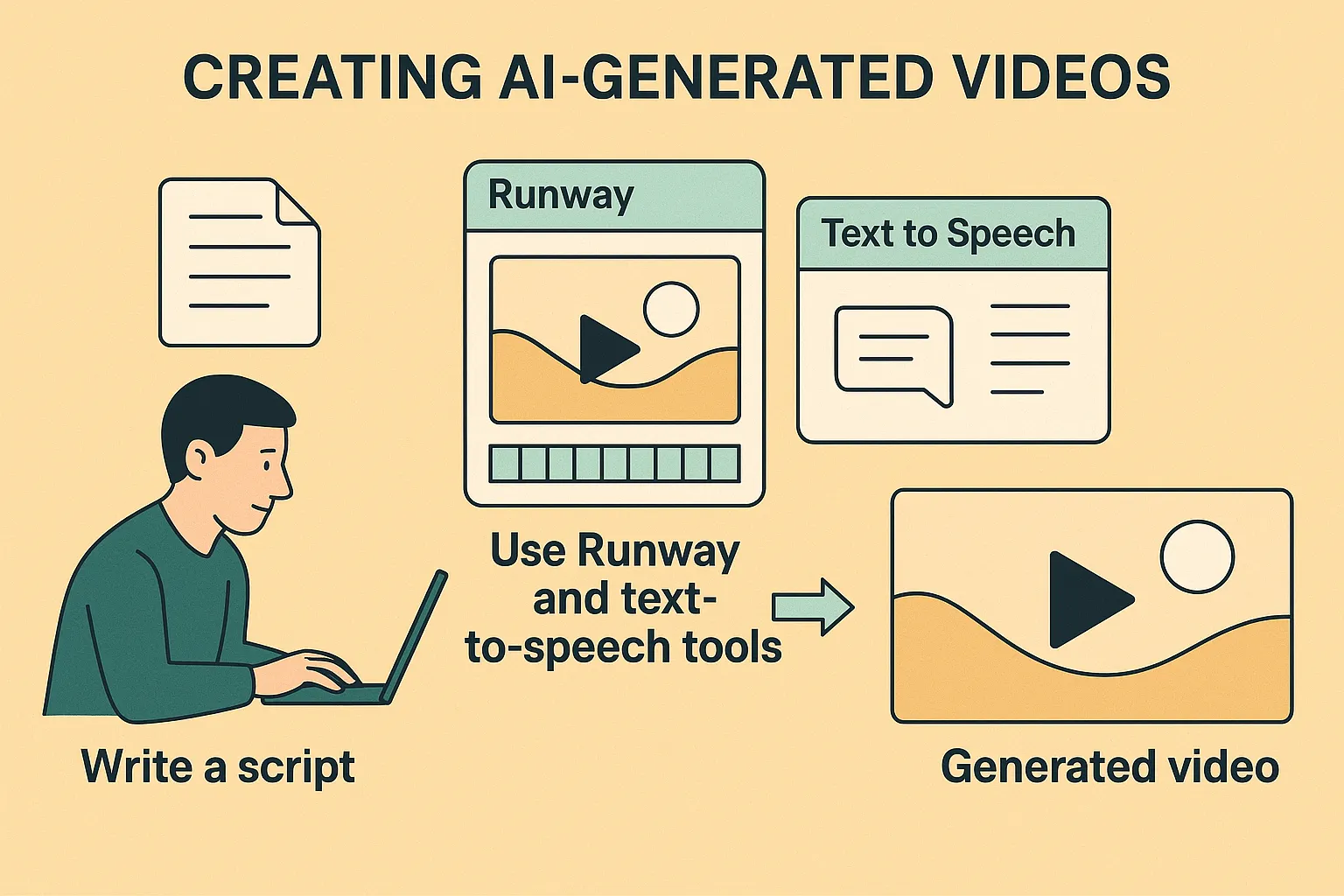
- Write or generate a script
- Create visuals using Runway Gen-4.5
- Convert text to voice with Luvvoice
- Merge audio and video
- Publish and scale
This pipeline eliminates the need for filming, recording, or hiring voice actors.
Who Should Use a Fully AI Video Production Pipeline?
Ideal Use Cases
- YouTube automation channels
- Marketing and growth teams
- Online educators and course creators
- SaaS product demos
- E-commerce video ads
- Multilingual content production
Because both Runway and Luvvoice scale easily, teams can produce dozens or hundreds of videos per week without increasing costs.
Cost, Speed, and Scalability: AI vs Traditional Video
Traditional Video Production
- High upfront costs
- Long production cycles
- Limited scalability
- Dependence on people and locations
AI Video Production
- Lower and predictable costs
- Minutes instead of days
- Infinite scalability
- Fully remote and automated
For most digital-first businesses, AI video is no longer optional—it's a competitive advantage.
SEO Advantages of AI Video with Text-to-Speech
Using AI voiceovers offers SEO benefits beyond production speed:
- Scripts double as video descriptions
- Easy generation of subtitles and transcripts
- Better accessibility and user engagement
- Higher dwell time on video pages
Search engines reward clear, structured, multimedia content, making AI videos an effective SEO strategy.
Common Questions About AI Video Pipelines (FAQ)
Can AI videos sound natural?
Yes. Modern text-to-speech tools generate voices that sound natural, expressive, and professional—far beyond older robotic TTS systems.
Do I need video editing skills?
No advanced skills are required. Most AI tools offer intuitive editors, and the workflow is beginner-friendly.
Is this suitable for commercial use?
Yes. AI video pipelines are widely used for marketing, education, and product promotion, as long as platform terms are followed.
Can I create videos in multiple languages?
Absolutely. Text-to-speech makes multilingual video creation fast and cost-effective.
The Future of Video: Visual AI + Voice AI
The future of content creation is modular AI systems working together.
- Runway focuses on visuals
- Luvvoice focuses on sound
This division of labor mirrors professional film production—but without the overhead.
As AI continues to improve, creators who master this pipeline today will have a massive advantage tomorrow.
Final Takeaway
A fully AI video production pipeline uses Runway Gen-4.5 for visuals and AI text-to-speech for voiceovers. By combining cinematic video generation with natural AI voices from Luvvoice, creators can produce scalable, professional videos faster and cheaper than traditional methods.
If you're building AI-powered video content, let Runway handle the visuals—and let Luvvoice handle the voice.