LuvVoice is now live on the App Store: AI text to speech for iPhone
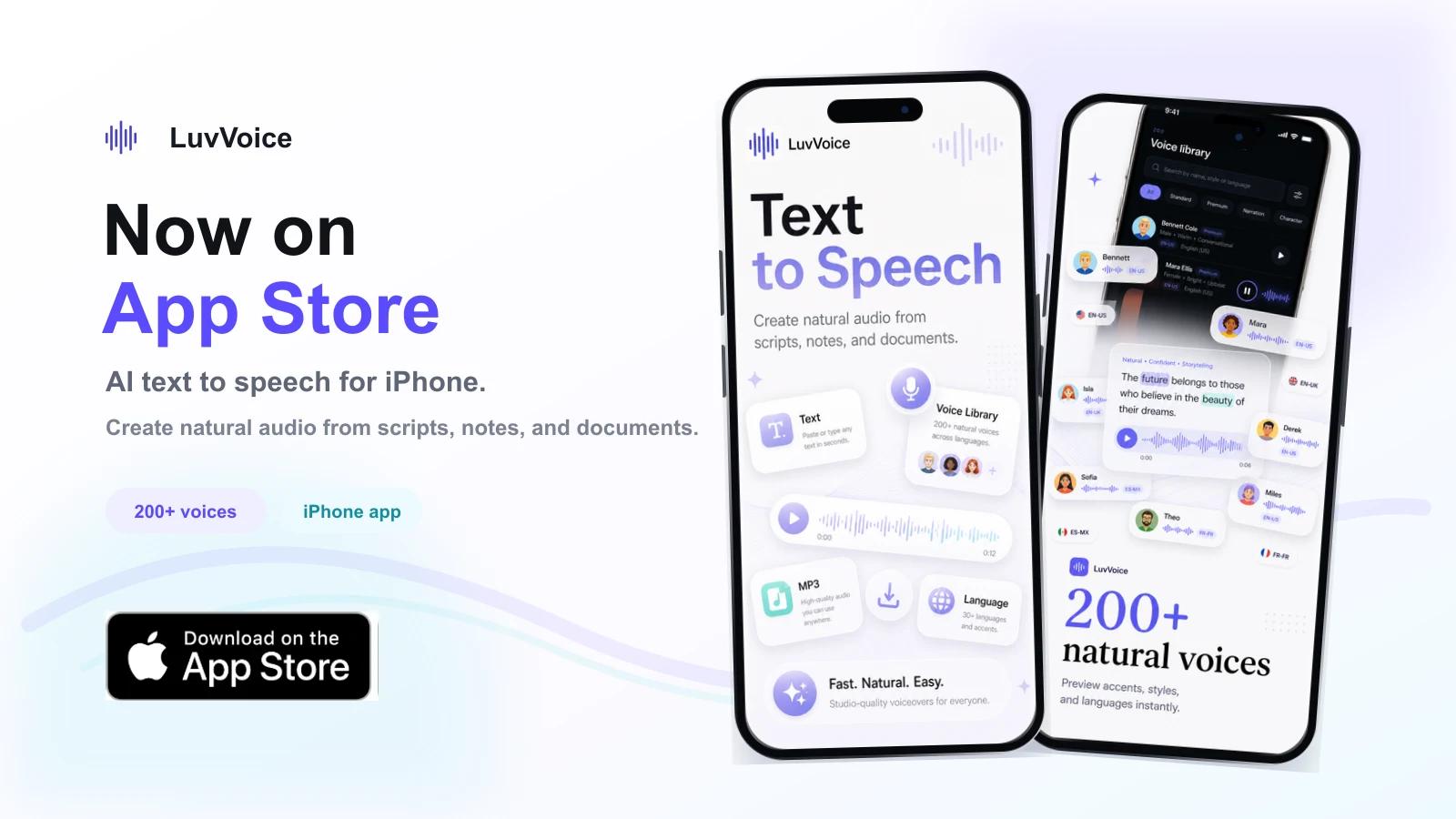
LuvVoice is officially available on the App Store.
This release brings the LuvVoice AI text-to-speech workflow to iPhone: paste text, import notes or documents, choose from 200+ natural voices, generate speech, play it back, and share the audio from the device you already use every day.
If you create videos, record course material, prepare lessons, review study notes, or turn written ideas into audio, the new app gives you a faster mobile path. You no longer have to wait until you are back at a desktop just to test a script or hear how a paragraph sounds in a different voice.
You can download LuvVoice on the App Store and start creating voice audio on iPhone.
Built for mobile voice creation
The app is designed around a simple question: what should text-to-speech feel like when the source material starts on your phone?
On mobile, content comes from everywhere. A script may be in Notes. A lesson outline may be in a PDF. A social caption may be copied from a draft. A longer document may be something you want to hear while commuting, walking, or reviewing work away from your desk.
LuvVoice keeps that workflow direct. Bring in text, pick a voice, adjust the pace, generate audio, and keep listening or exporting without rebuilding the project somewhere else.
That sounds small, but it changes the rhythm. Voice creation becomes something you can do in the moment, not a task you postpone until later.
Text, notes, and documents become audio
The first version of the app focuses on the everyday materials people actually turn into voice audio: scripts, notes, articles, captions, lessons, stories, study files, and long-form content.
You can paste or type text directly. You can also import supported text-based files such as PDF, TXT, RTF, Markdown, HTML, CSV, JSON, XML, SRT, and related document formats. The goal is to reduce the gap between "I have something written" and "I can hear it now."
For creators, that means checking a voiceover before recording a final video. For educators, it means turning lesson material into listenable audio. For students, it means reviewing notes by ear instead of staying locked to a screen. For marketers and product teams, it means producing a quick demo voiceover or ad read without a recording setup.
The app is not trying to make mobile feel like a crowded desktop editor. It keeps the core workflow close: add content, choose a voice, generate, listen, and export.
A voice library made for quick decisions
Voice selection is where many text-to-speech tools slow down. A large voice catalog is only useful if you can find the right voice quickly.
LuvVoice includes 200+ natural voices across languages, accents, and speaking styles. Inside the app, the voice library is built for previewing and choosing, not just browsing. You can search by name, style, or language, listen to samples, and move from voice discovery back into creation without losing the thread.
This matters for real production work. A tutorial voice, a short-form video voice, a calm reading voice, and a more expressive product demo voice do not need the same tone. Quick preview lets you test those differences before spending time on the full generation.
The result is a more practical mobile workflow: hear the voice first, then commit.
Private voices and longer listening are included
The app also brings two larger LuvVoice workflows closer to mobile: private voice creation and long-form listening.
For voice cloning, the app uses a guided flow. You can record a clear sample or choose an audio file, name the voice, choose the language, review the upload, and confirm that you have permission to use the voice. Once the voice is created, it belongs in My Voices, where it can be selected again for future projects.
That matters for creators and teams who want a repeatable sound. A standard narrator voice is great for everyday generation, but a private voice is useful when a channel, course, or brand needs more consistency.
For longer content, LuvVoice supports an ebook-to-audiobook style workflow. Instead of treating a long file like one giant text box, the app helps you choose a standard voice, review the conversion, and keep audiobook tasks in the Library. That makes the app useful for study material, drafts, reports, public reading projects, and listening sessions that continue later.
These two workflows are intentionally different. A cloned voice is about identity and consistency. Long-form listening is about structure, reliability, and picking a voice that can stay comfortable across chapters. Keeping both inside the same app gives users a broader mobile audio workspace without turning every task into the same screen.
Playback, export, and sharing are part of the flow
Generating speech is only half the job. Once the audio exists, people need to use it somewhere.
LuvVoice lets you preview generated audio in the app, save audio history, download files, and share audio with other apps. That makes it useful for common creator and work paths: sending a voiceover into a video editor, saving a narration draft, sharing a review clip, or keeping a generated file for later.
The app also separates standard voice usage from cloned voice usage, so users can understand which type of quota is being used. For anyone creating audio regularly, that kind of clarity matters more than a flashy generate button.
Mobile voice creation should not end at playback. It should end with a file you can actually use.
The Library also gives generated clips and audiobook tasks a place to live. You can return to recent work, replay audio, clean up old files, and keep track of what you have already made. For people who generate audio often, that small layer of organization is what turns a one-off tool into a habit.
Who the LuvVoice app is for
The new app is for people who want natural speech output without recording equipment, retakes, or editing stress.
Creators can make voiceovers for YouTube Shorts, TikTok, Instagram Reels, podcasts, ads, explainers, tutorials, and product demos. Educators can turn lessons and course material into clearer audio. Students can listen to notes and long reading material. Marketers can test ad reads and campaign scripts. Accessibility-minded users can turn visual reading into listening when that is easier on the day.
The app also fits everyday reading. If you save articles, drafts, or documents on your phone, LuvVoice gives you a way to hear them in a natural AI voice instead of leaving them in a queue you may never return to.
Start with the App Store release
This launch is the first public mobile step for LuvVoice on iPhone. It brings together the core pieces people expect from a practical AI voice app: text-to-speech, a large voice library, document import, speed adjustment, playback, download, sharing, usage visibility, and subscription options for higher-volume work.
The best way to evaluate it is simple. Try it with one real script, one note, and one document. Preview a few voices, generate a short piece of audio, and send it into the next app you normally use.
That small test will tell you whether mobile AI voice generation fits your workflow.
We built this release for the moments when written content is already in your hand. If you can turn that text into natural audio before the idea goes cold, the app has done its job.
Download LuvVoice on the App Store and create your first AI voiceover from iPhone.